
Track A Student & staff bus service
- Fixed routes, stops & timetables per campus
- Monthly seat allotment (a "pass") per rider on a route
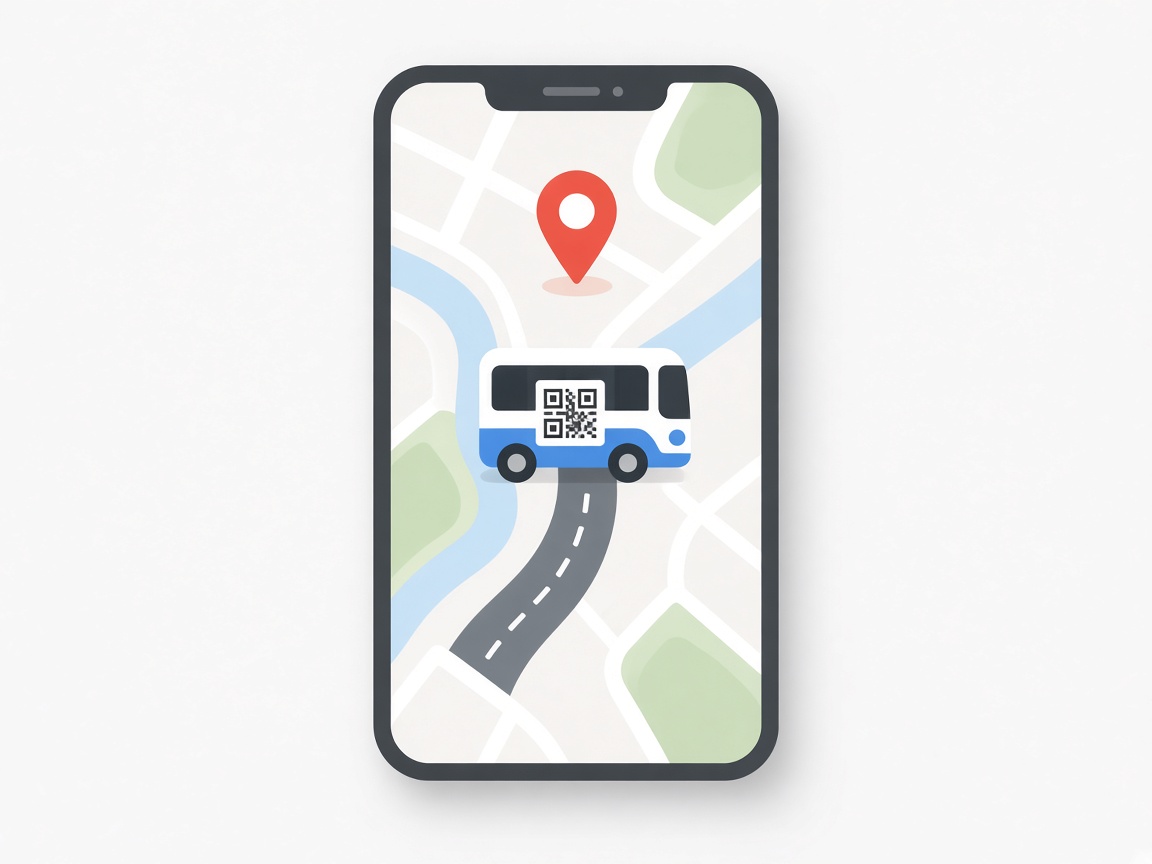
- Live "where's my bus" page + arrival alerts
- Fares posted straight to the accounts
Student & staff buses, official cars and vans, drivers, workshop and fuel — one back office.
How a university transport department can run its entire day-to-day operation on Autonemo VMS Pro. A campus runs two kinds of transport at once: scheduled bus routes bringing students and staff in every day, and an on-demand vehicle pool — cars, microbuses, vans and ambulances — that departments book. This is a grounded capability read: what fits out of the box, what needs a workaround, and the two investments worth planning for up front.

VMS handles both from one back office. The key insight: there is no single "university" product — it is assembled from proven modules the transport office turns on and configures, then the commercial ones (ticketing storefronts, waste, rental) get switched off.
On one side, a daily bus service: fixed routes, stops and timetables per campus, a monthly seat allotment per rider (the "pass"), a live "where's my bus" page students and parents can open, and fares posted straight to accounts. On the other, an institutional vehicle pool: departments request a car or van, an approval chain signs off, a dispatch board assigns vehicle and driver, and the trip's cost is charged back to the department. Everything below sits on the same drivers, fuel, workshop, compliance and accounting spine.

Think of it as two tracks, one spine: daily scheduled buses for riders, and on-demand official vehicles for departments — sharing drivers, fuel, workshop, compliance and accounting underneath.

Every core need of a transport office, mapped to the module that handles it and how ready it is.
| University need | Handled by (VMS module) | Fit |
|---|---|---|
| Daily bus routes, stops & seat allotment | Pick & Drop roster + Vehicle Routes (monthly seat, route, fare) | Ready |
| Per-trip / event / shuttle ticketing | Bus Ticketing — counter POS + online storefront + seat map | Ready |
| Live "where's my bus" for students / parents | Live Bus Tracking — public QR page, ETA, arrival board & alerts | Needs GPS unit |
| Department vehicle booking (car / van / ambulance) | Staff Transport Request + Requisition + Dispatch, multi-level approval | Ready |
| Drivers — licence, duty, discipline, mobile | Drivers + Fleet Workforce panel + Flutter driver app | Ready |
| Fuel tracking / own diesel pump | Fuel logs + Fuel Station / Pump module + reconciliation | Ready |
| Maintenance & workshop | Garage job cards, mechanics, vendor billing, service-due reminders | Ready |
| Document compliance (fitness / tax / insurance) | Vehicle document-expiry tracking + auto-reminders + dispatch block | Ready |
| Accidents & rider feedback / lost items | Accident register + Vehicle QR public report inbox | Ready |
| Cost per vehicle & per department | Double-entry accounting + cost-centre + profitability reports | Ready |
| Utilisation, idle & distance reporting | Reports Hub (utilisation, idle-vehicle, distance, executive summary) | Ready |
| Multi-campus operation | Branches — one branch per campus, a manager each | Ready |
| Access control per office / role | Staff roles + granular permissions + per-module on/off | Ready |
| Auto-renew pass & auto-invoice each month | Pick & Drop billing desk — monthly roster is manual | Partial |
| Forward budget vs actual | Actuals & profitability reporting only — no budgeting screen | Add-on |




VMS is a general fleet platform, not a purpose-built campus product — a few things need a decision or a small addition up front.

The public "follow the bus" page reads position from an on-board GPS device, not the driver's phone. Budget for a tracker on each bus that should appear live.
A seat-on-a-route for a month is fully modelled, but renewal & monthly invoicing are run from the billing desk each cycle — there is no auto-renew engine yet (a candidate add-on).
You get rich cost, profitability & utilisation reporting, but no "budget vs actual" planning screen — track budgets alongside, or add it later.
The transport office turns on the right modules — fleet, drivers, fuel, garage, pick-and-drop, tracking, reports — and turns off commercial ones. A guided setup, not install-and-go.

One branch per campus with a transport manager; staff roles & permissions for each office.
Full registry with tax / fitness / insurance dates so compliance reminders start working day one.
Department requests, approval chain, dispatch board — the everyday car / van workflow.
Routes, stops, timetables and Pick & Drop monthly rosters with fares.
Fuel logs / own pump and garage job cards with service-due reminders.
Trackers on buses, QR stickers, the public follow-the-bus page & arrival alerts; then reports & dashboards for the office.
The vehicle pool, drivers, fuel, workshop, compliance, cost accounting, per-campus scoping and reporting are production-grade and ready. The student bus service runs on Pick & Drop plus live tracking — with two clear investments to plan for: a GPS unit on each bus, and (optionally) an auto-renew engine for monthly passes.