Cinematic Recorder
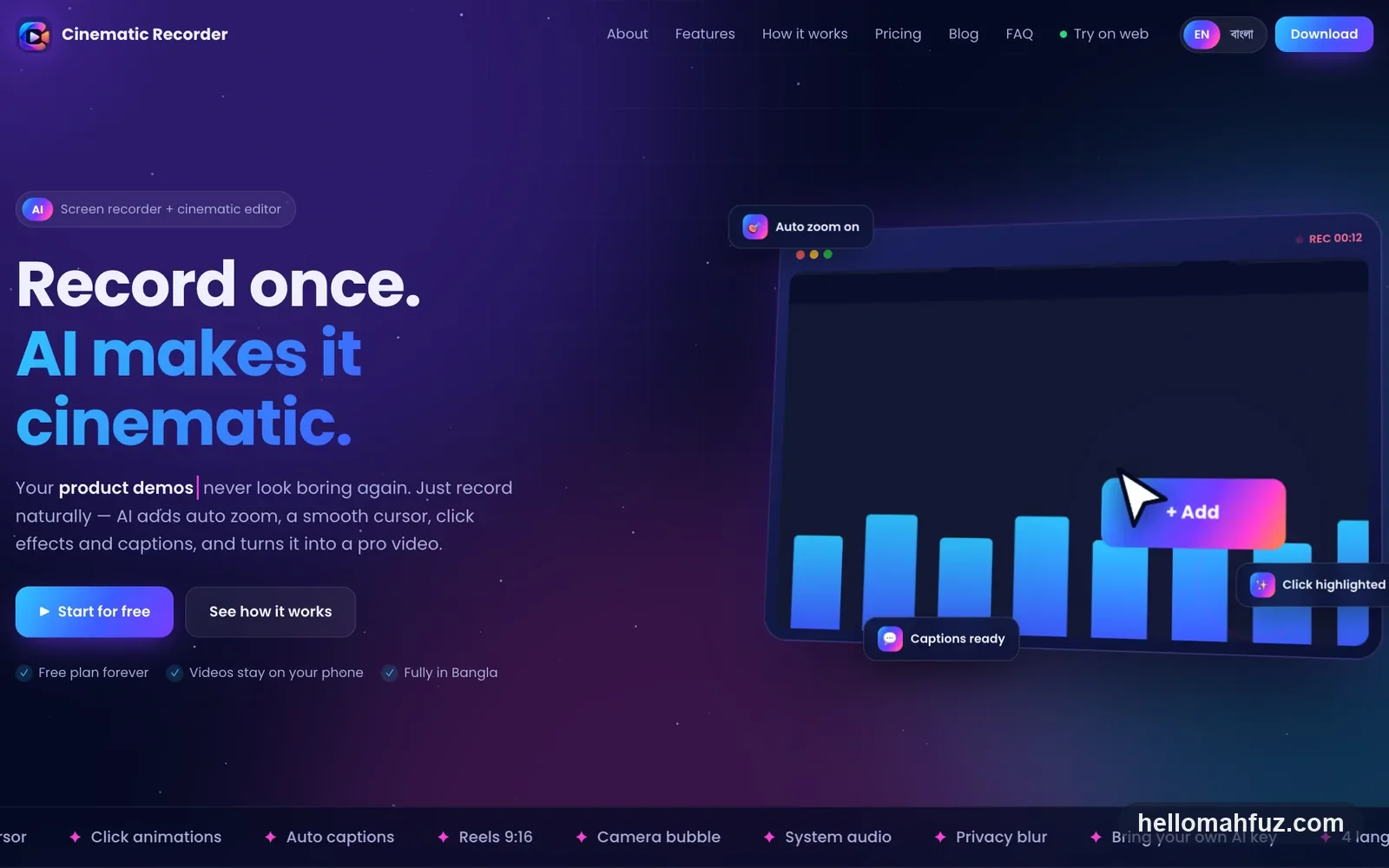
Record once. AI makes it cinematic.
Cinematic Recorder is a screen recorder with a built-in cinematic editor, used by thousands. While you record, it logs every click, tap, key press and movement — then uses that log to add auto zoom, a smooth cursor, click effects, privacy blur and AI subtitles. Everything the AI adds stays editable and the original recording is never touched. One app on Android, Mac, Windows and the web, with no watermark even on the free plan.
The edit happens while you record.
Teachers, freelancers and creators make tutorials, product demos, app reviews and bug reports every day. An ordinary recorder only captures the screen — then comes hours of zooming, cutting and captioning that most people do not know how to do.
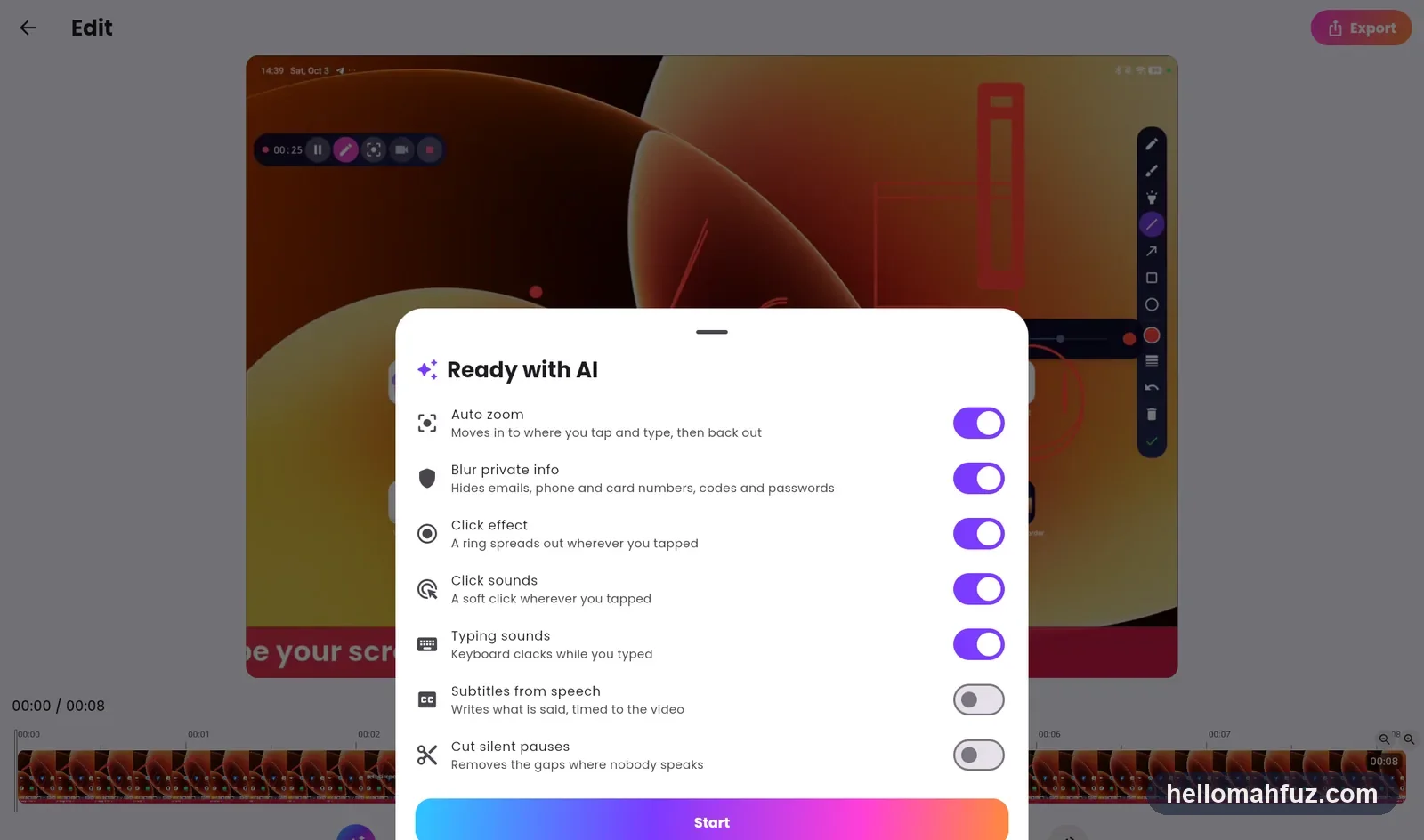
Cinematic Recorder captures the intent behind the video. Every click and tap is saved alongside the recording, and a motion analyser samples the screen as it changes. That data — not guesswork — drives auto zoom with smooth easing, cursor follow, spotlight and click rings. One tap on "Ready with AI" applies zoom, effects, blur, subtitles and silence cutting together.
Privacy is built in. Videos stay on the device; emails, phone numbers, card numbers and OTPs are blurred on the device; and on the Mac, chat-app windows are left out of the recording automatically. When plain-words editing asks AI to "zoom into every button", the model sees only a small summary of the clicks — never the video.
Recorder, editor and AI.
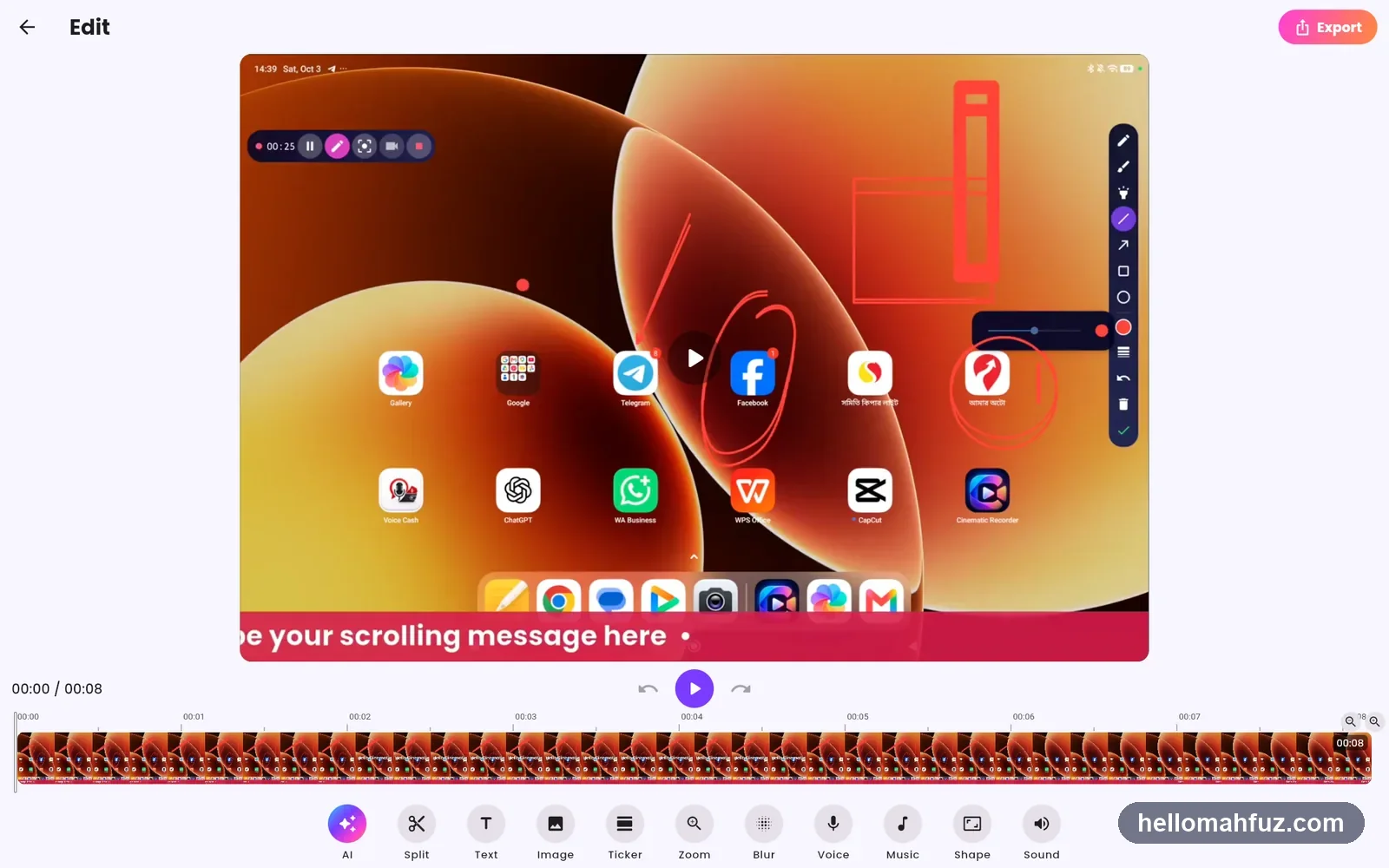
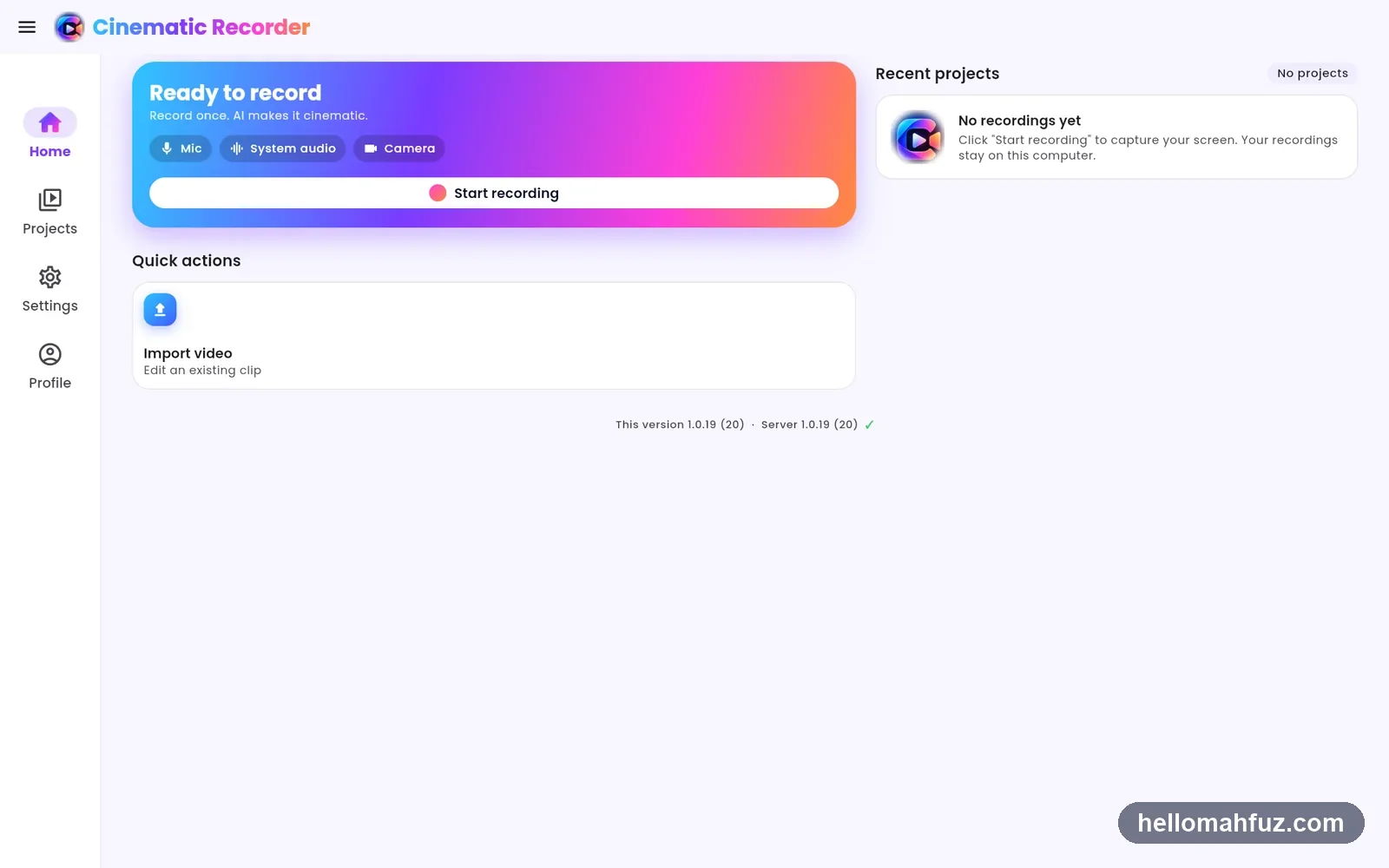
Why screen recording needed an editor inside.
The thinking behind Cinematic Recorder — where plain recorders and pro editors both miss.
Video is how people teach
Tutorials, demos and Reels have become the default way to explain software and share skills — from classrooms to freelance clients.
Editing takes the time
Recording takes minutes; zooming into the right spot, cutting silences and adding captions takes hours, and needs skills most creators lack.
Screens leak private data
Notifications, emails and OTPs end up in published videos. Blurring them by hand is tedious and easy to miss.
Bangla creators were underserved
Leading recorders are English-only and priced in dollars. A fully Bangla app priced in taka opens the category to a new audience.
Record, polish and publish, in one app.
Flexible recording
Full screen, window, area or multiple monitors; mic plus system audio; camera bubble; 720p to 4K at 30 or 60 fps; pause and resume.
Clean, safe capture
The app never appears in its own video; on-screen drawing; auto-stop on low battery or disk; chat-app privacy shield on Mac.
Click-driven auto zoom
Clicks, taps and screen motion drive smooth zooms, glides between them, cursor follow, dynamic crop and spotlight.
Smart cursor & clicks
Cursor smoothing, spotlight and trail, animated click rings, and optional click and keyboard sounds.
Ready with AI
One tap applies auto zoom, click effects, private-info blur, AI subtitles and silence cutting — all non-destructive.
AI subtitles & titles
Captions timed to your voice via Whisper or Gemini (strong for Bangla), plus AI titles, descriptions and chapters.
Multi-track editor
Timeline with thumbnails, trim, cut and split, per-segment volume, text, images, news ticker, music and voice-over.
Privacy blur
Automatic on-device blur of emails, phone and card numbers, OTPs and passwords, plus manual and region blur.
Export & share
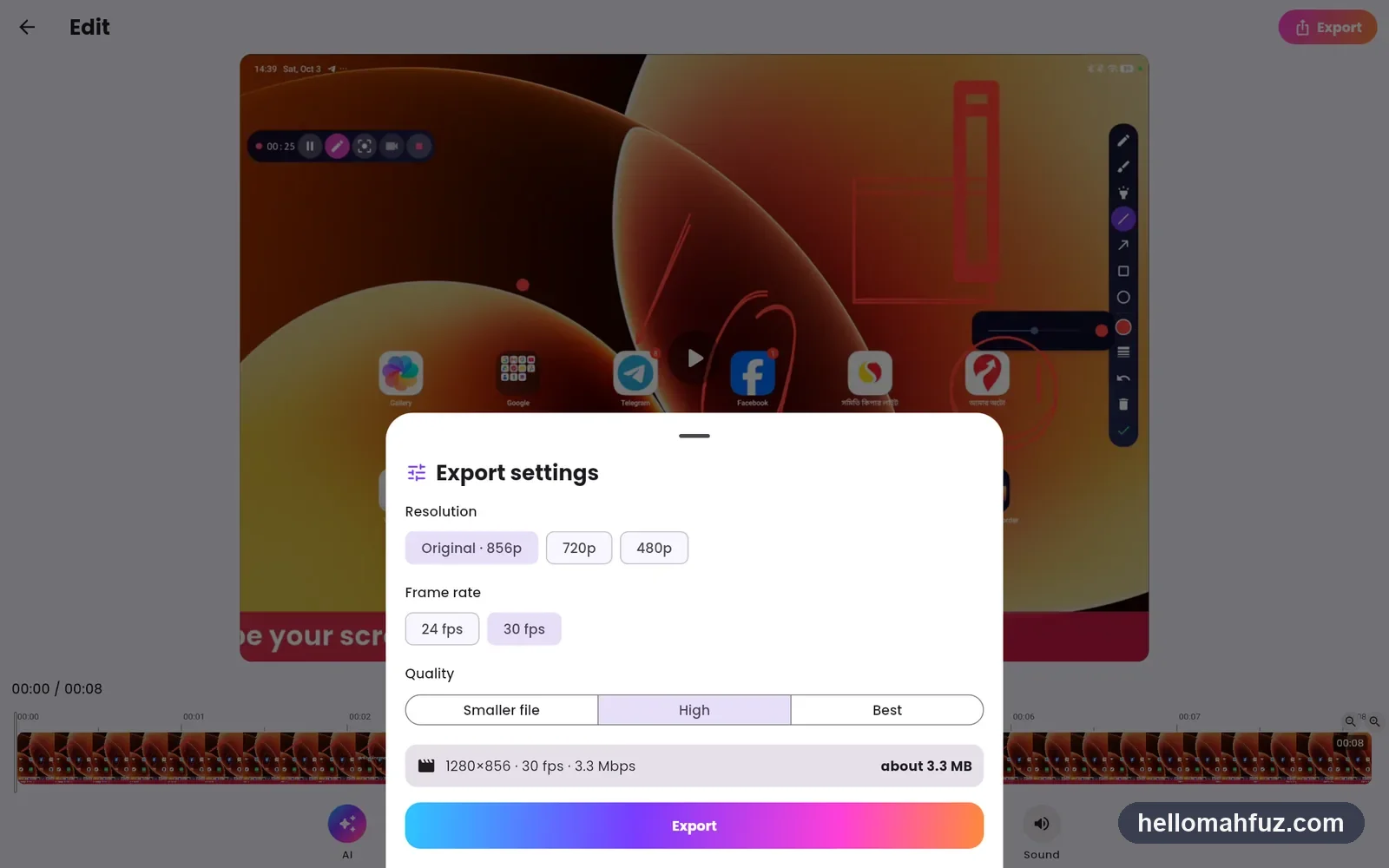
Hardware-encoded MP4 in 16:9, 9:16 and 4:5 with auto reframing, live encoder stats, and share links on a web player.
For anyone who explains on screen.
Make your next tutorial cinematic.
Try Cinematic Recorder free on Android, Mac, Windows or the web — or talk to me about the product.